
Build scalable products in Figma faster
A production-ready design system with components, variables and documentation for professional UX and UI designers.
- 112Component Sets
- 722Variants
- 445Variables
- 2Themes
- 3Breakpoints
- 12Use Cases
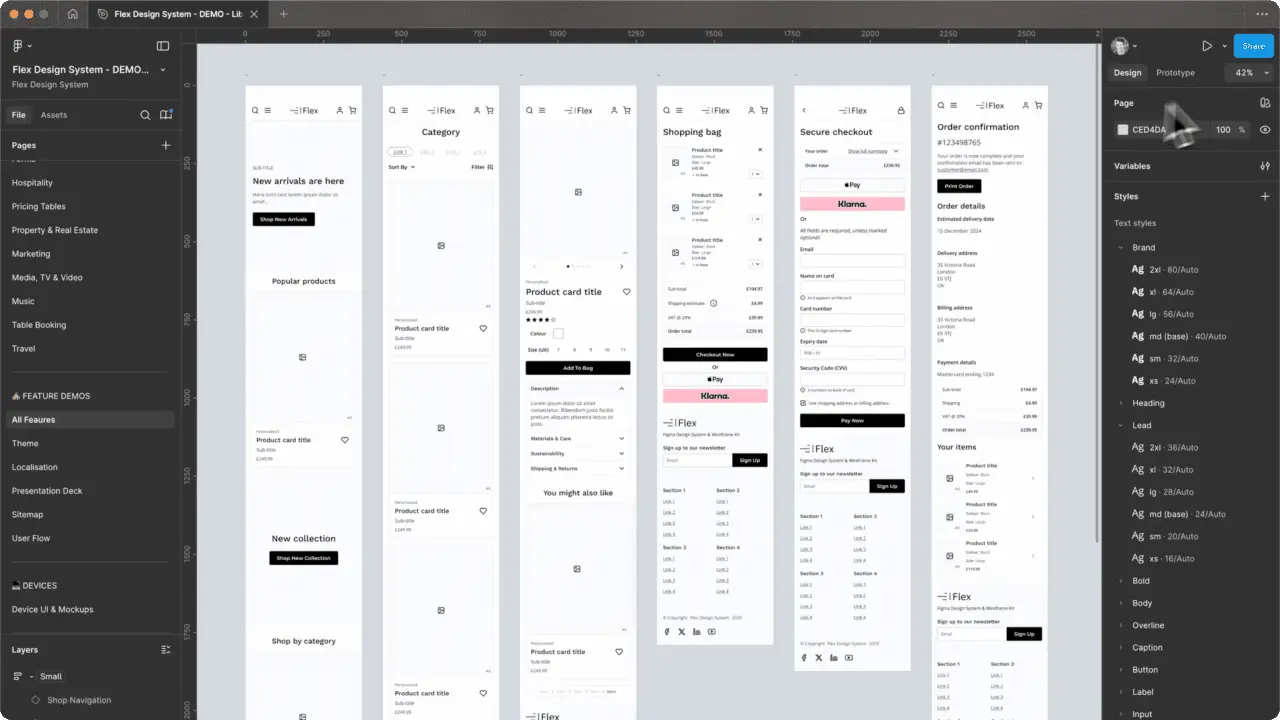
Why Flex Exists
Built from experience. Refined through use. Designed to scale

Ben Ellis
Founder, Flex Design System
What's included
Everything you need to build scalable products

Organised for clarity
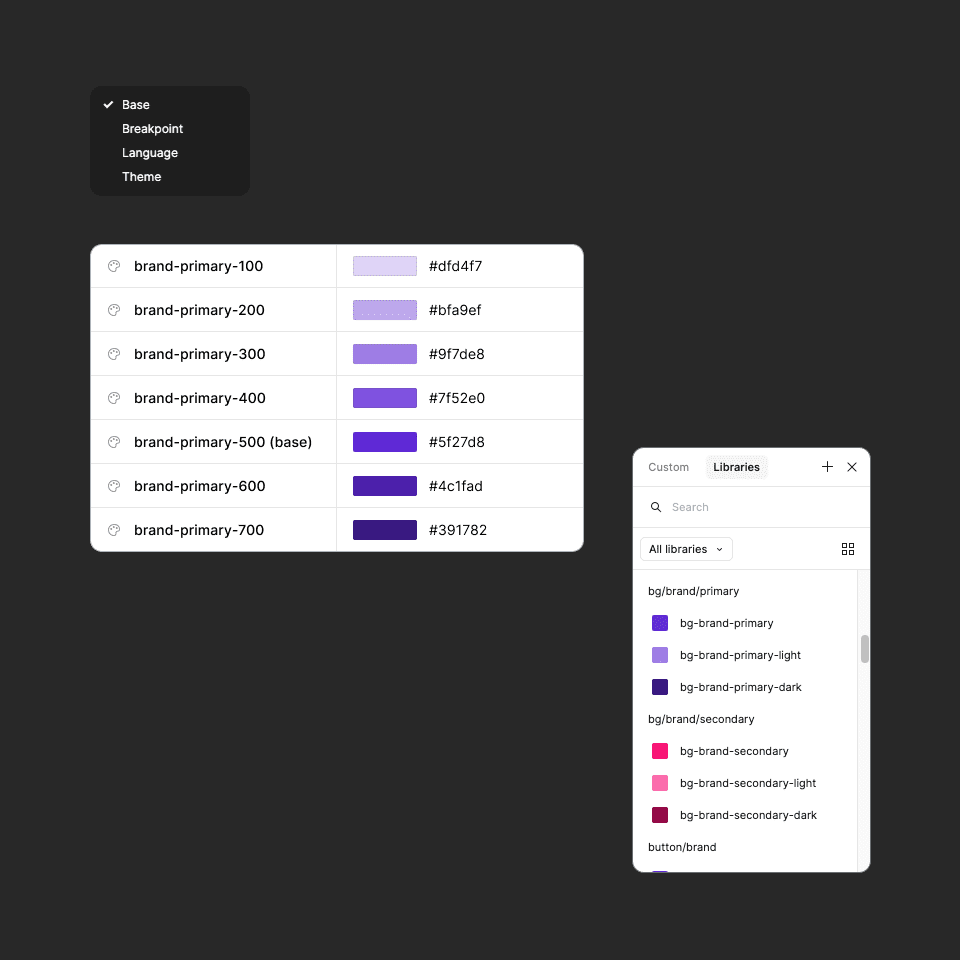
Logically named and scoped design tokens make the system easier to understand, customise and scale.
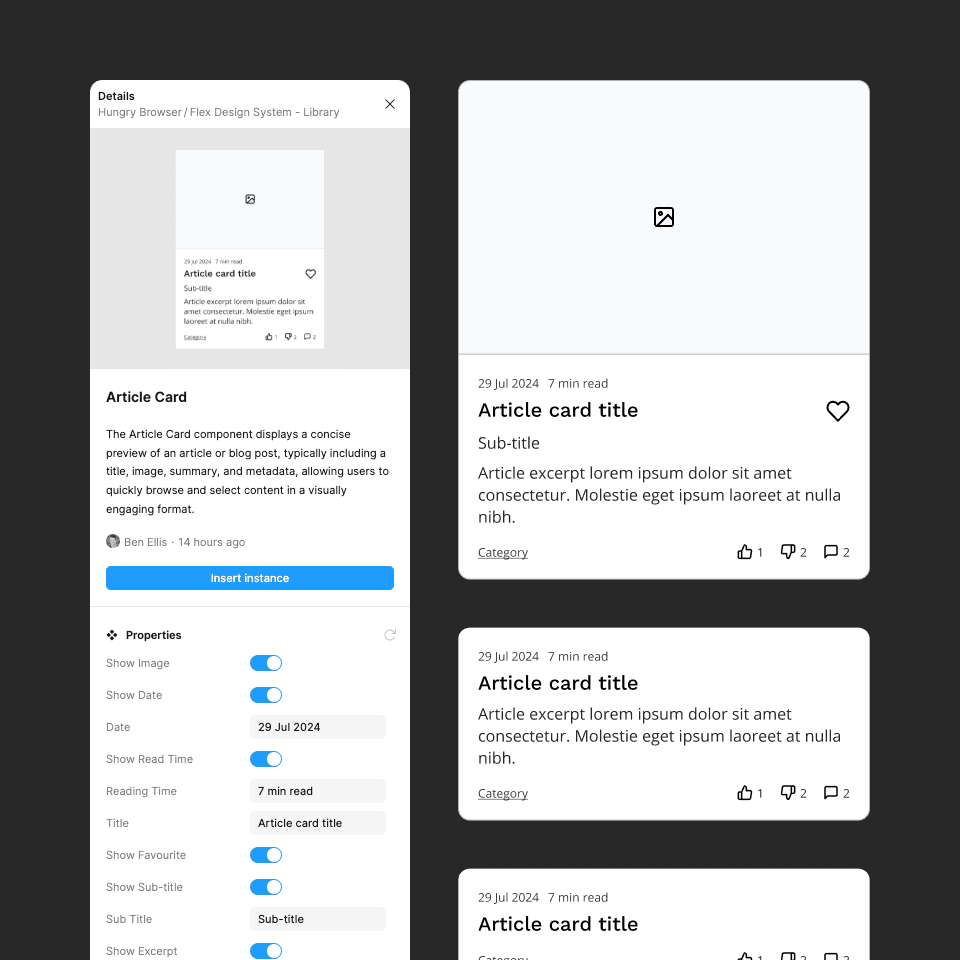
Flexible and adaptable
Flexible, production-ready components with variants and overrides that adapt to real product requirements.
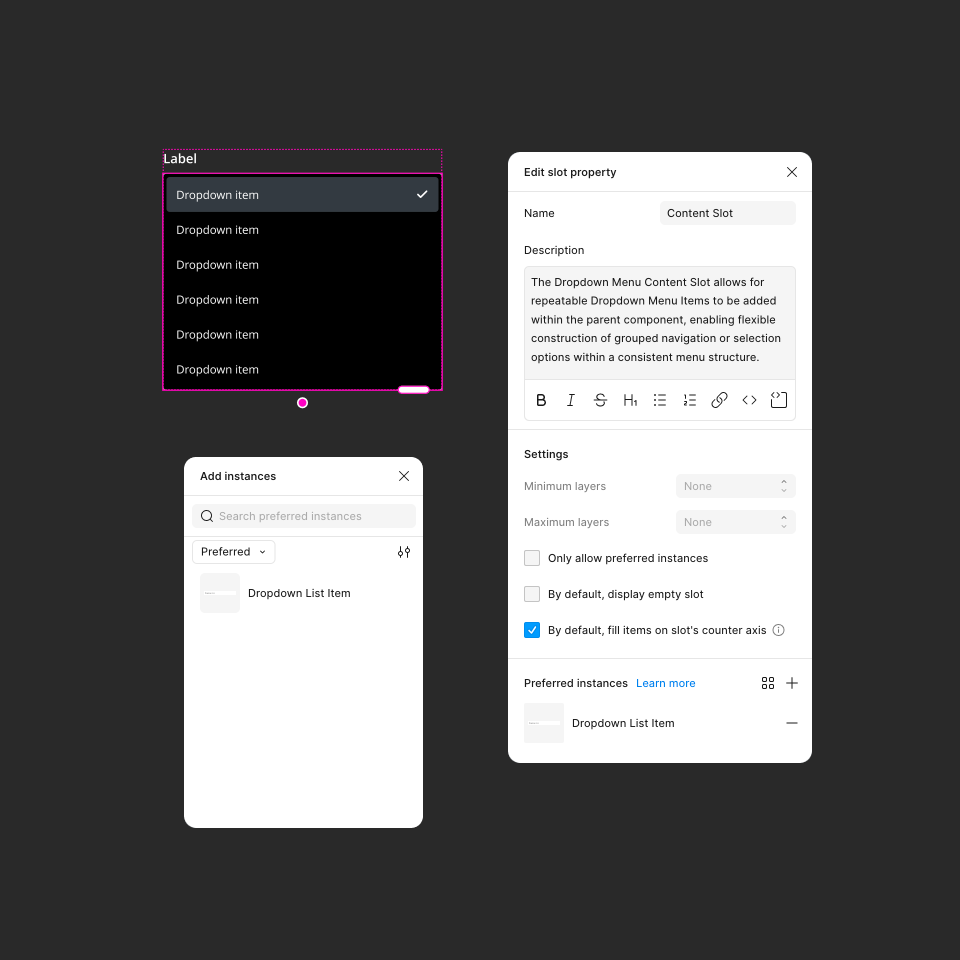
Composable layouts
Composable layouts powered by slots make it easy to add, remove and rearrange content while maintaining consistency.
Responsive by design
Responsive foundations and scalable layouts help you design confidently across multiple screen sizes.
Light and dark themes
Built-in light and dark themes provide a flexible foundation for creating accessible, customisable experiences.
Auto-layout ready
Auto-layout-ready components reduce repetitive work and make interfaces easier to adapt and maintain.
Built for flexibility
Built to be customised and extended, giving teams the flexibility to adapt the system to their own products and workflows.
Ready for AI agents
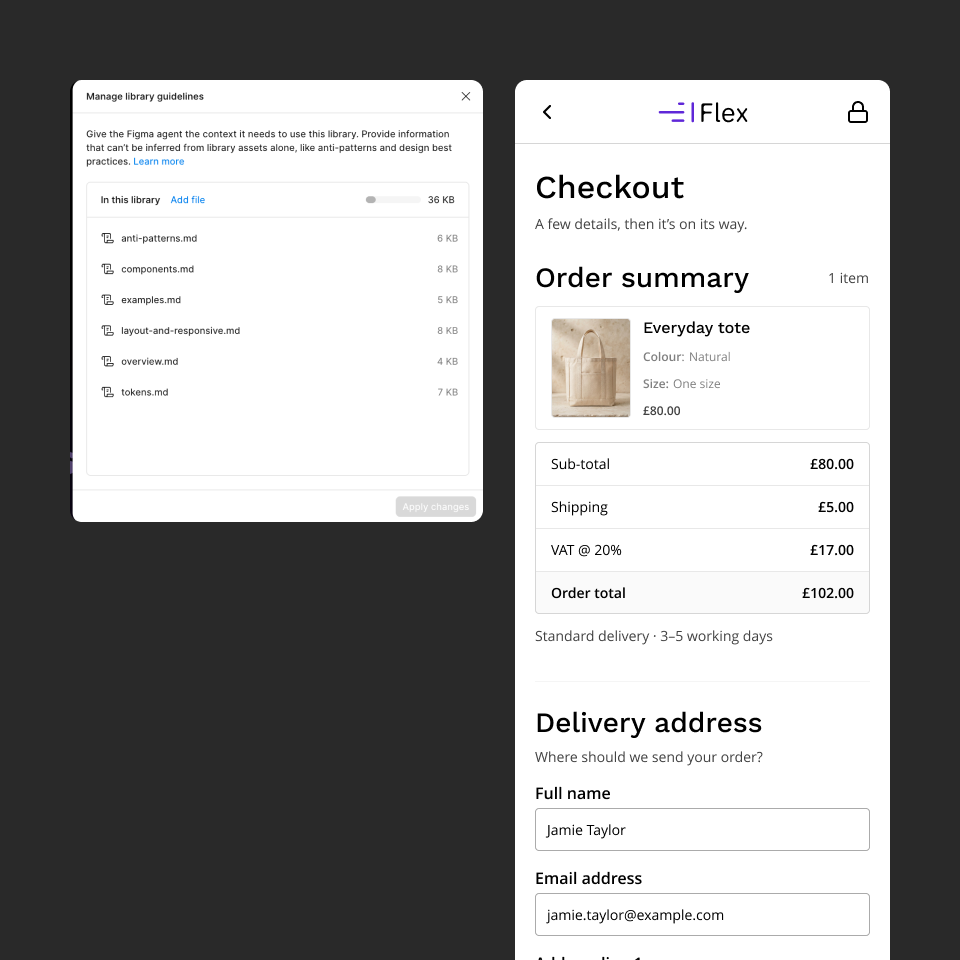
Guidelines files help Figma's AI agent use Flex: which variables, components and breakpoints to choose, and which mistakes to avoid.
Documentation with context
Integrated documentation, a companion website and practical guides help you learn, adopt and scale with confidence.


Organised for clarity
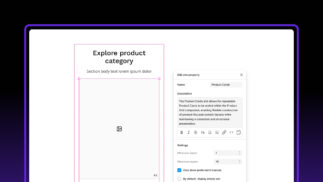
Carefully structured and scoped variables, organised into logical collections, make Flex Design System easier to understand, customise and scale while providing valuable context for modern AI-assisted workflows.

Flexible and adaptable
Thoughtfully designed components, paired with variants and overrides, make Flex Design System easy to adapt to different products and requirements while maintaining consistency and scalability.
Composable layouts
Built-in slots allow content and components to be added, removed and rearranged with ease, making it simple to create adaptable interfaces while maintaining consistency and structure.
Design with real content
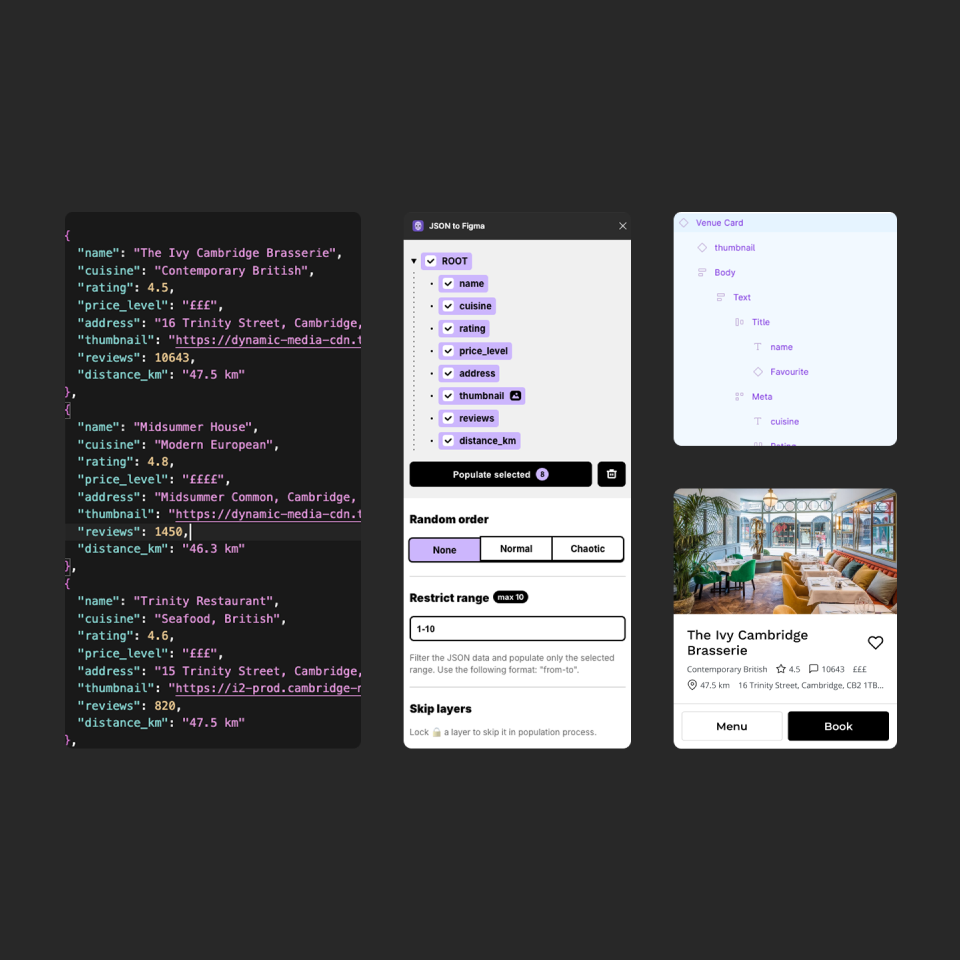
Use components as a foundation and quickly populate them with realistic content using variable modes, Google Sheets, JSON or Figma Agent. Design with meaningful data that better reflects real products and workflows.
Built for AI-assisted design
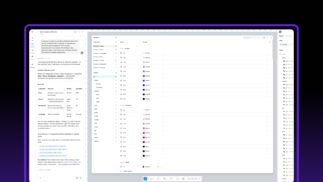
Flex was built by hand, then audited with Figma Agent in 2026 to fill gaps, fix inconsistencies and add the context that agents need. It comes with guidelines for Figma's AI agent. Upload them to your library once, and the agent reads them every time it designs with Flex. They point it towards semantic variables instead of hard-coded colours, theme and breakpoint modes, and the right component for each job. Combined with descriptions on every variable and component, they give AI tools more of the context they need to work with your design system.
Templates and flows
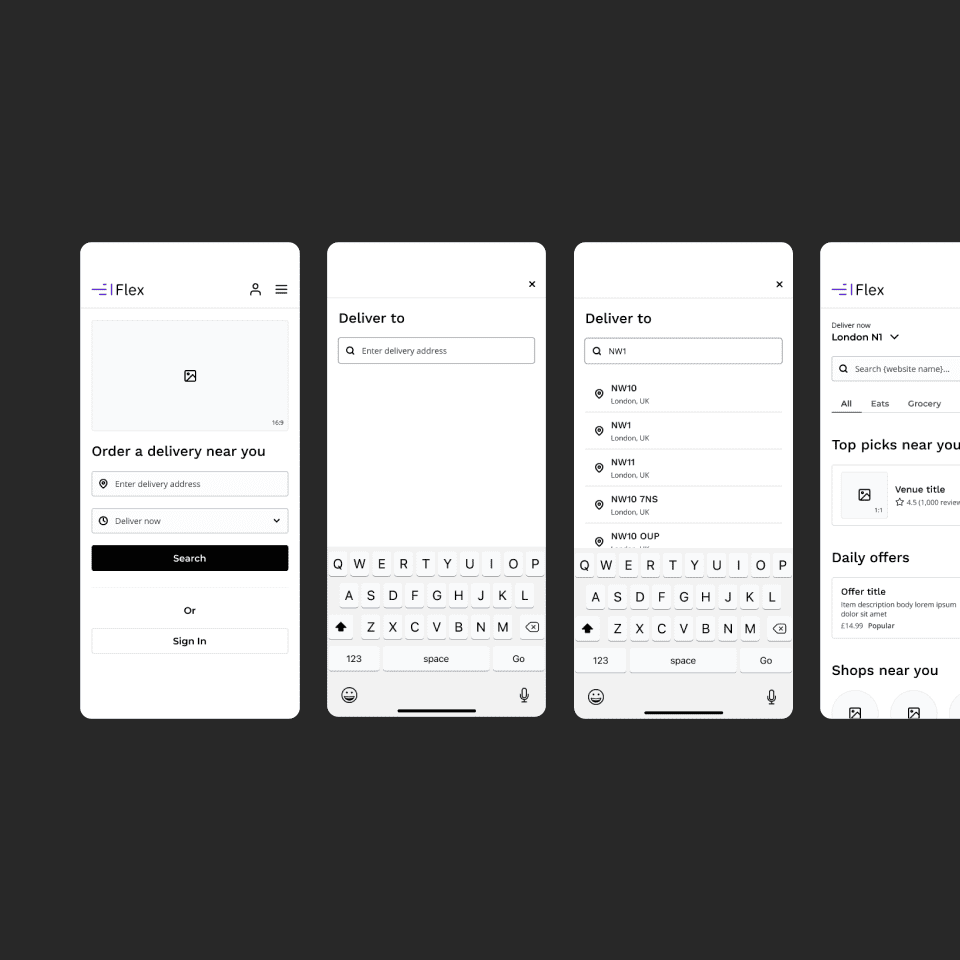
Ready-made templates and user flows demonstrate how components work together in real product scenarios, helping you explore ideas faster and design with greater confidence.
Supported by documentation
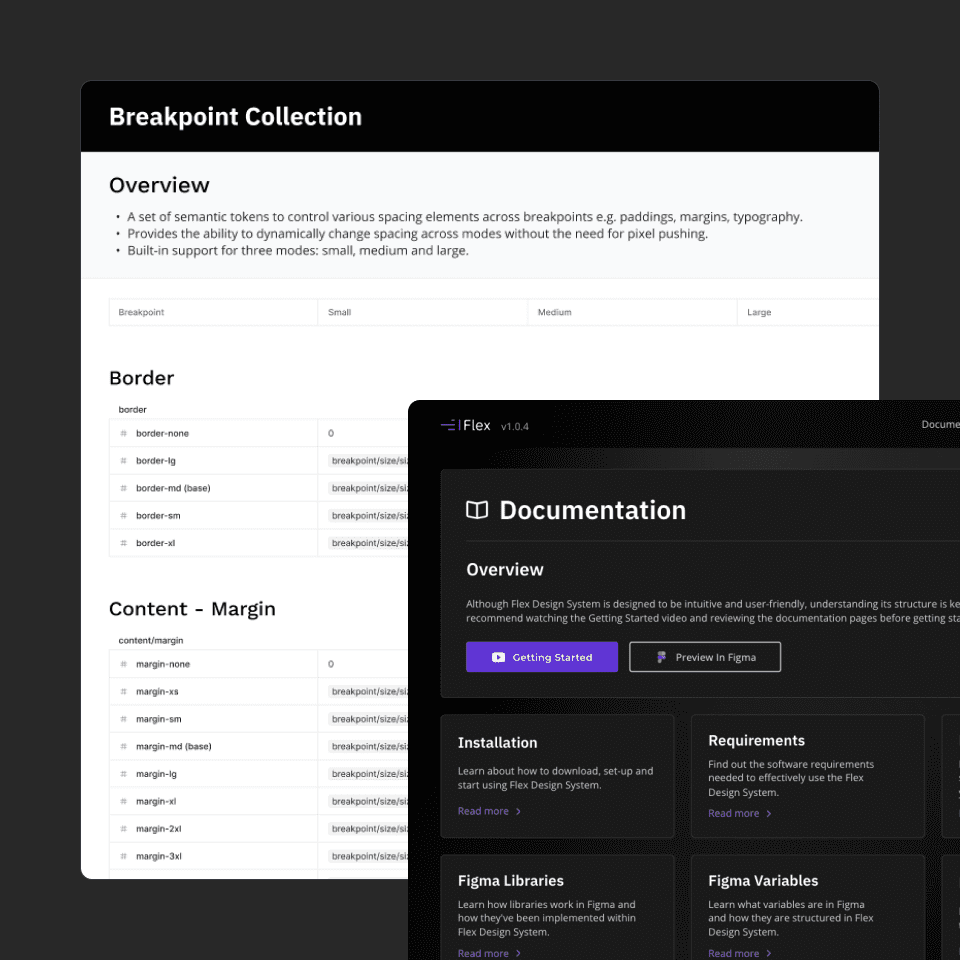
Built-in documentation, a companion website and in-depth articles make Flex Design System easier to learn, adopt and extend, helping you get productive faster and with greater confidence.


Designed for real-world products
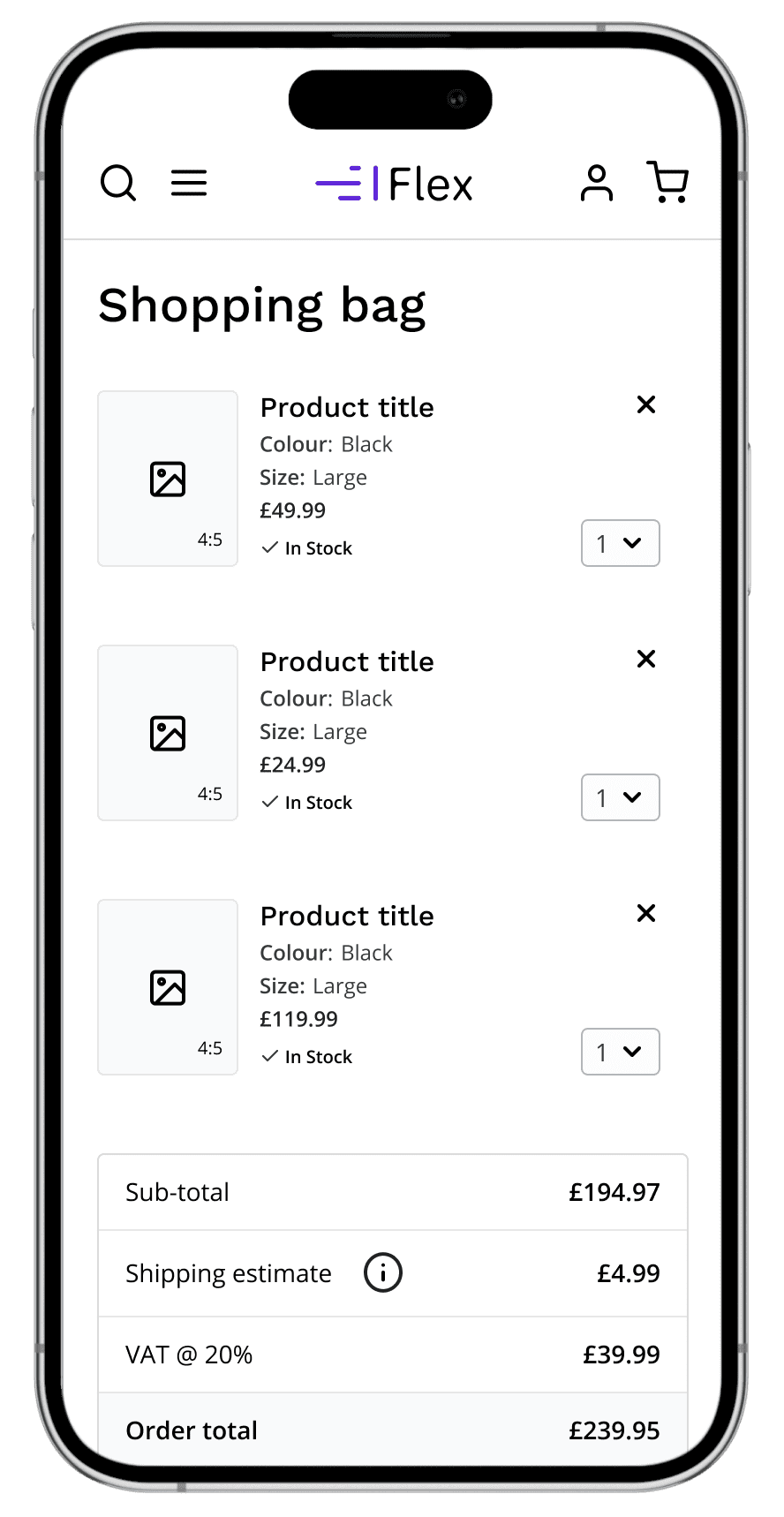
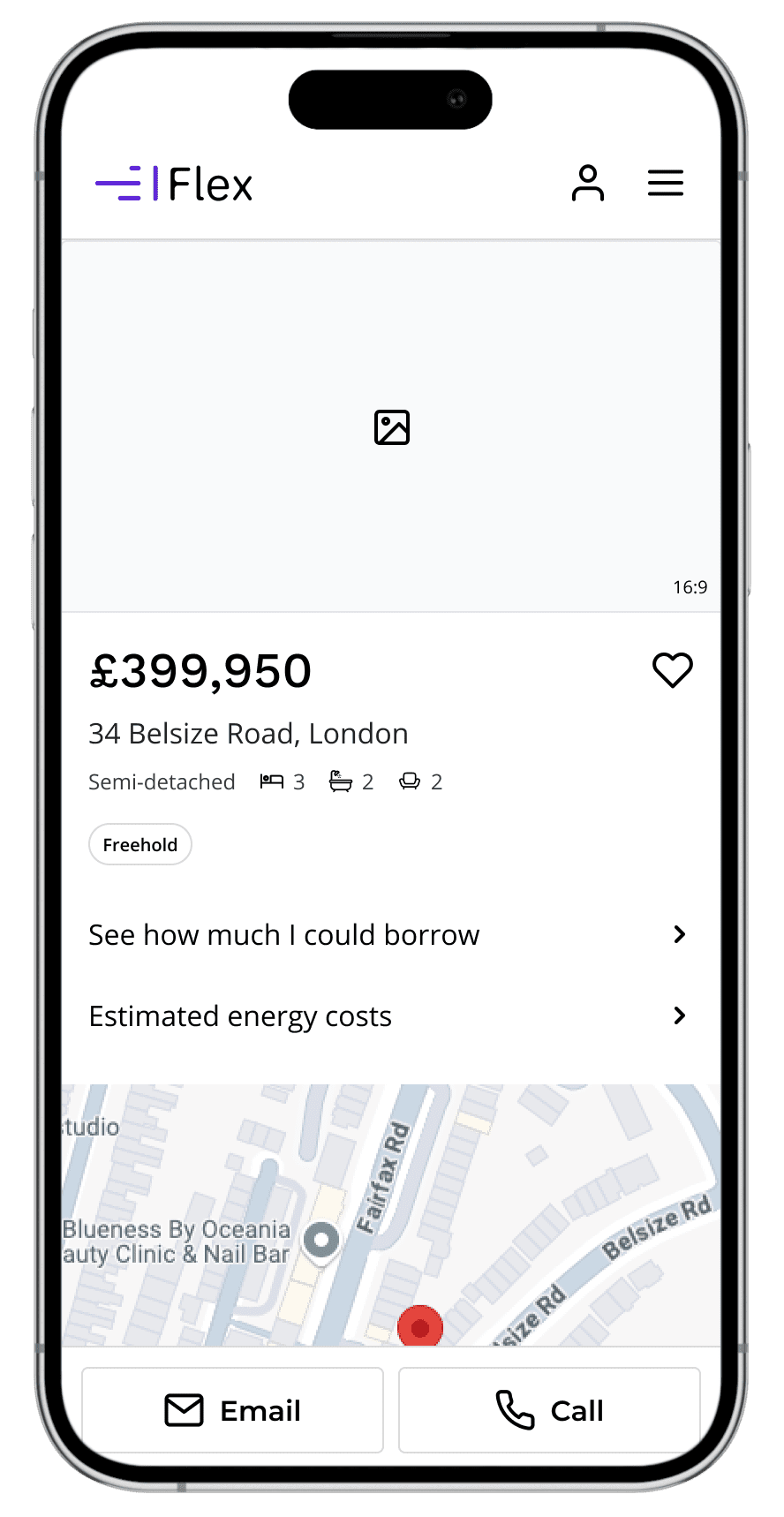
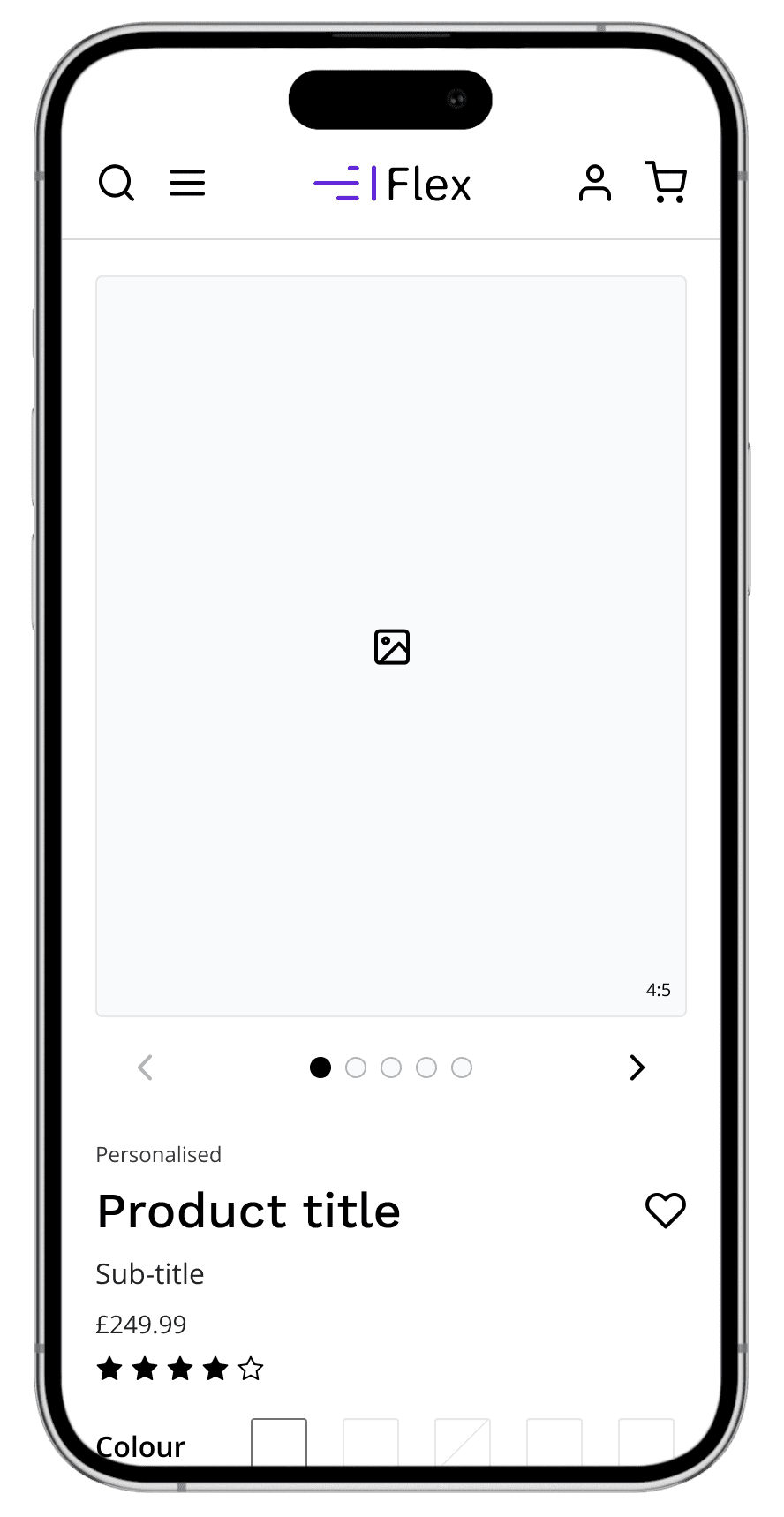
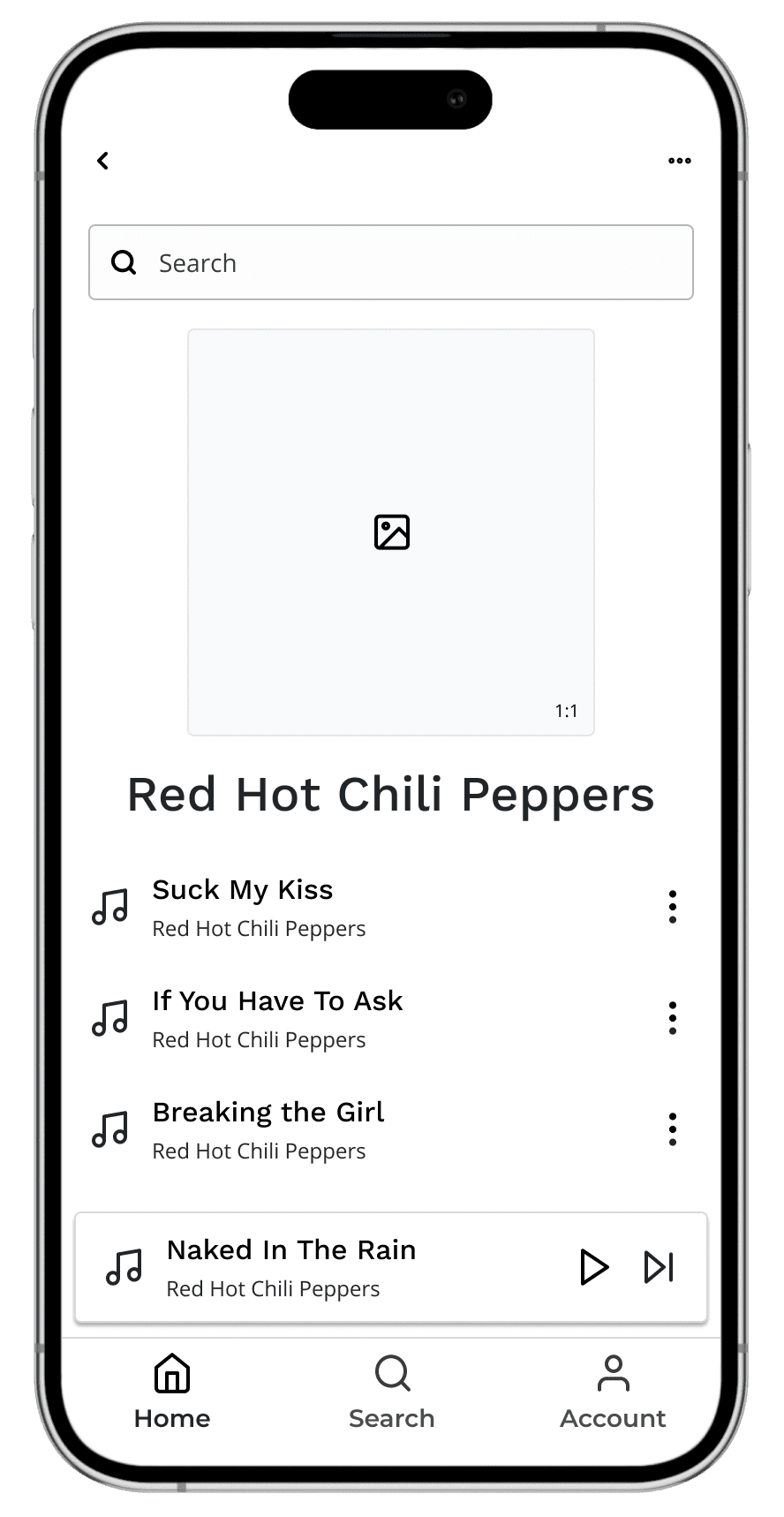
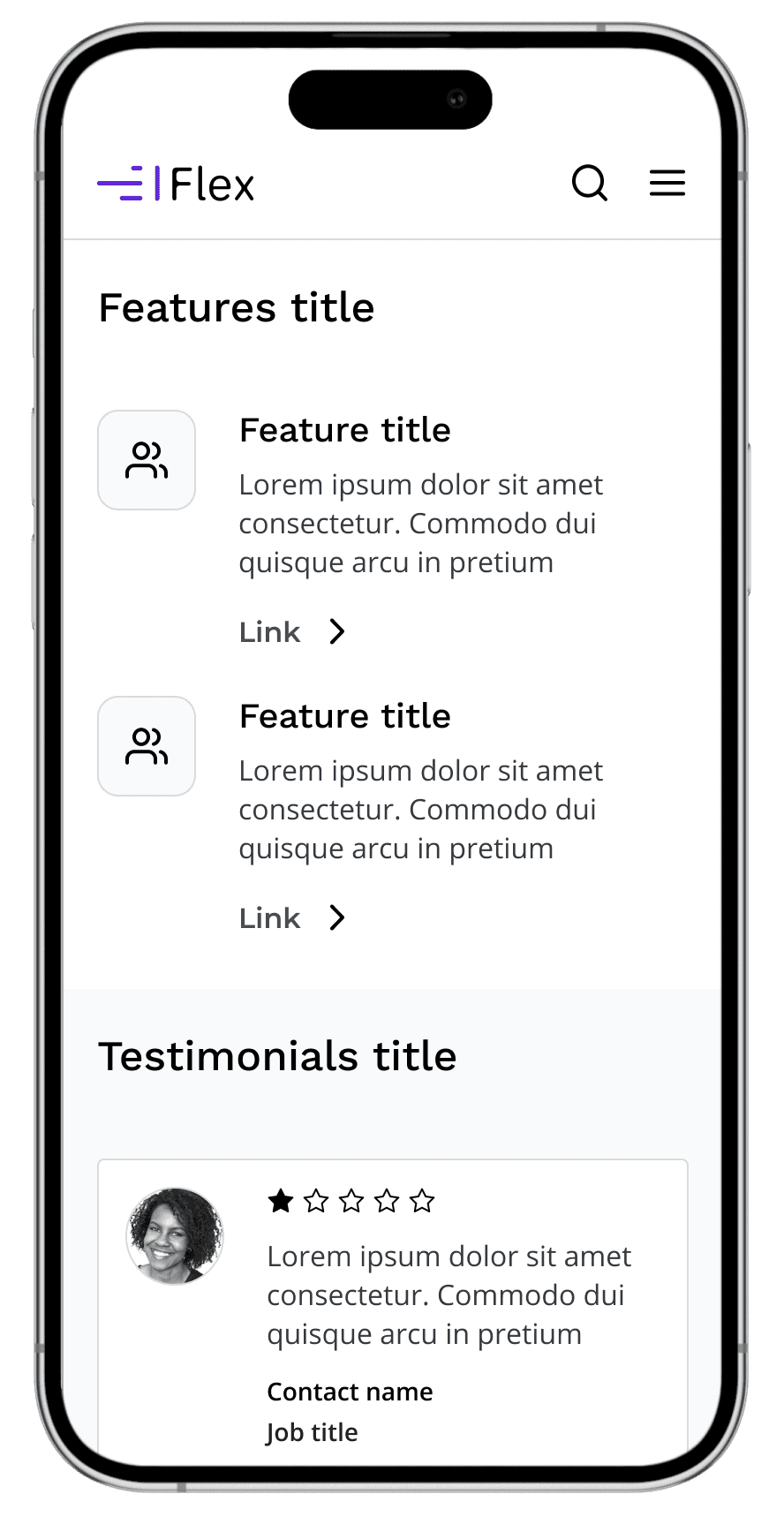
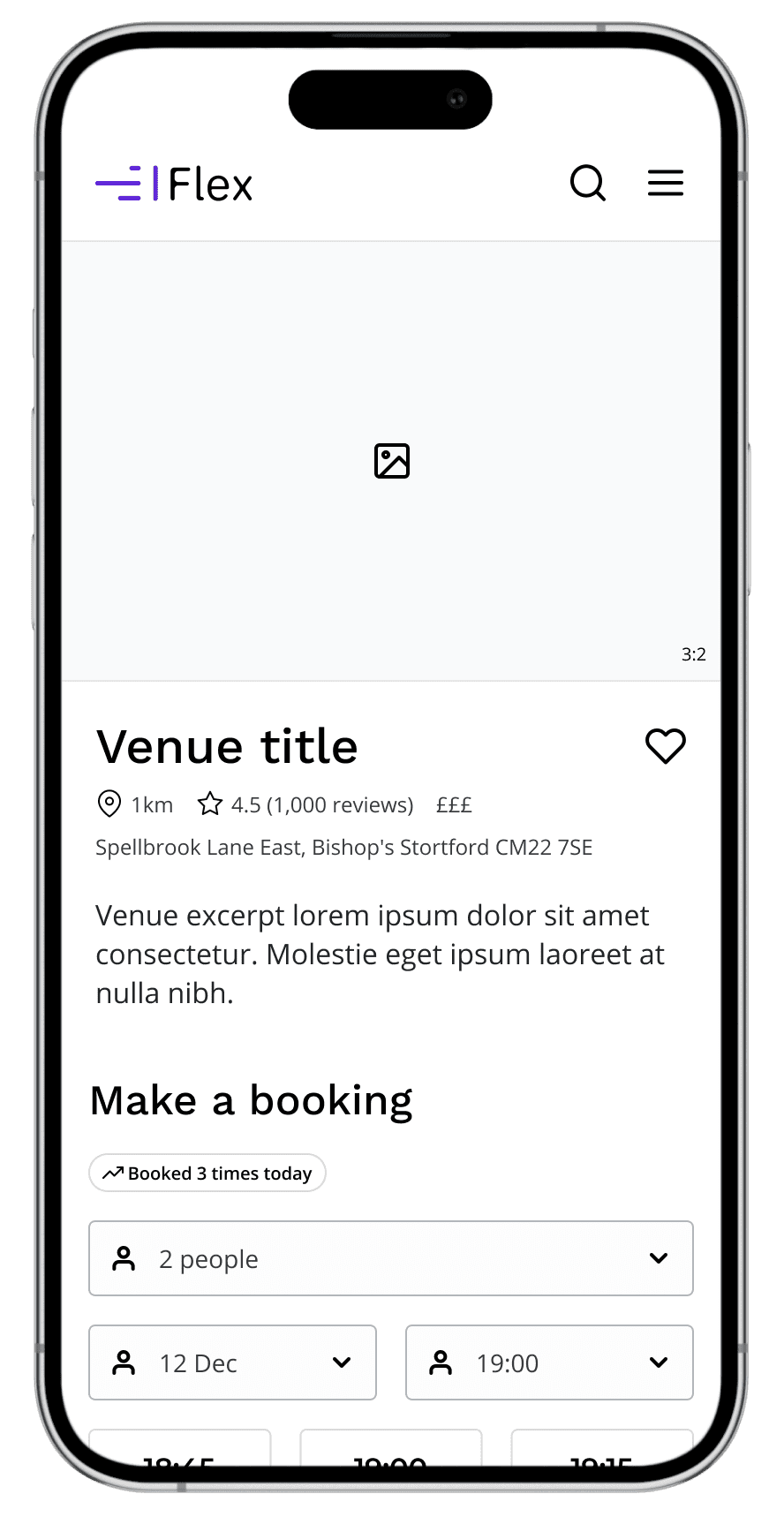
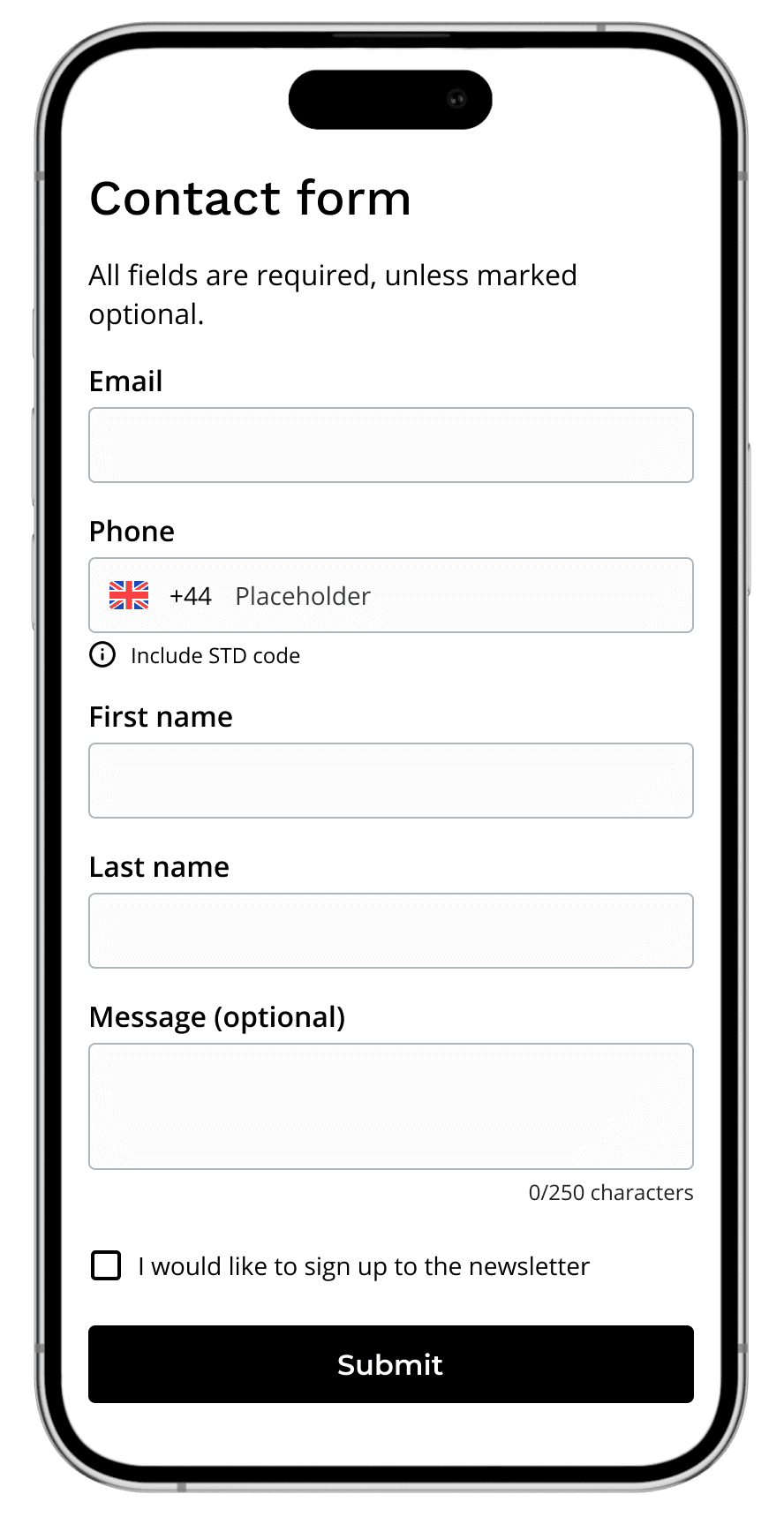
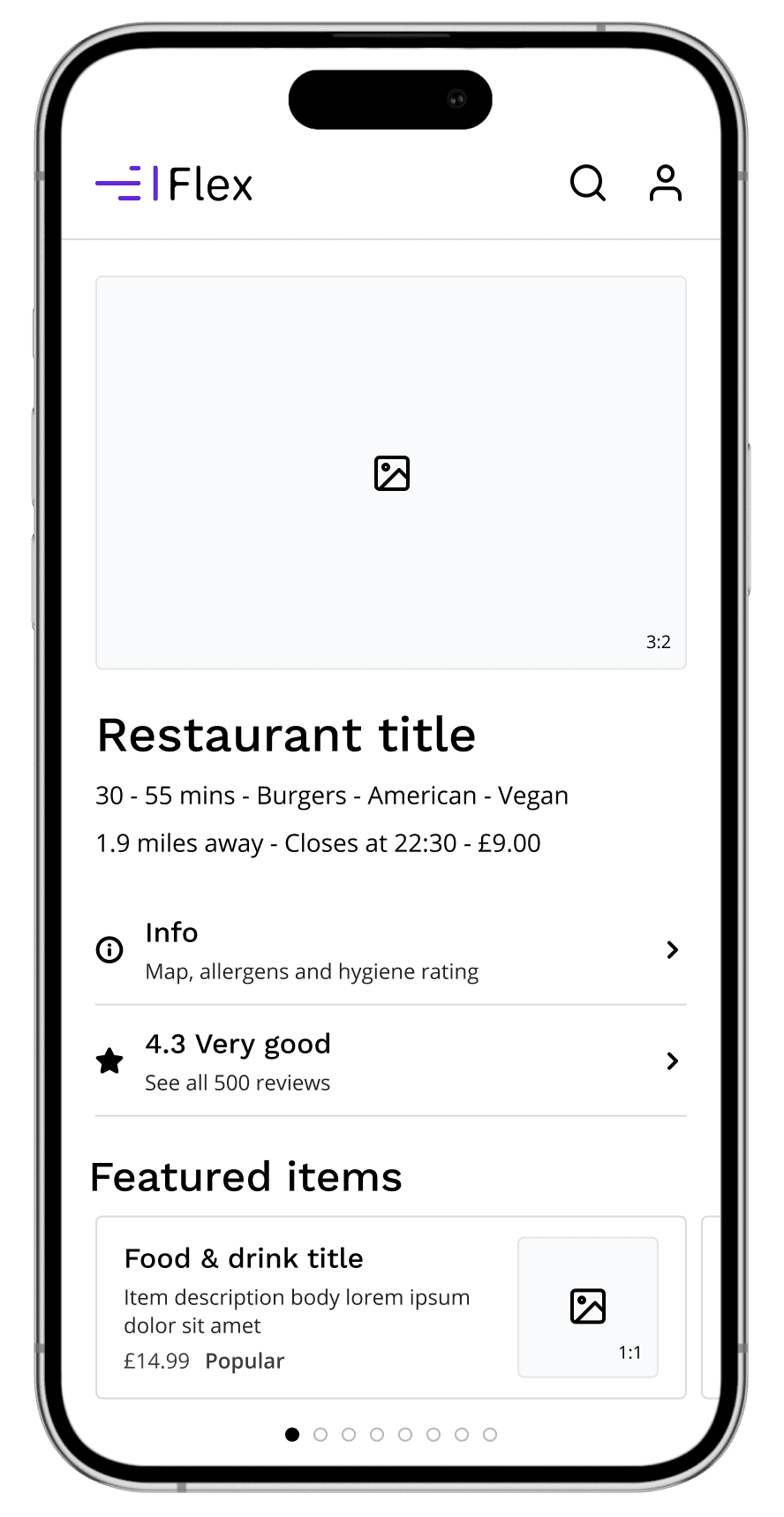
From Wireframes to Polished UI
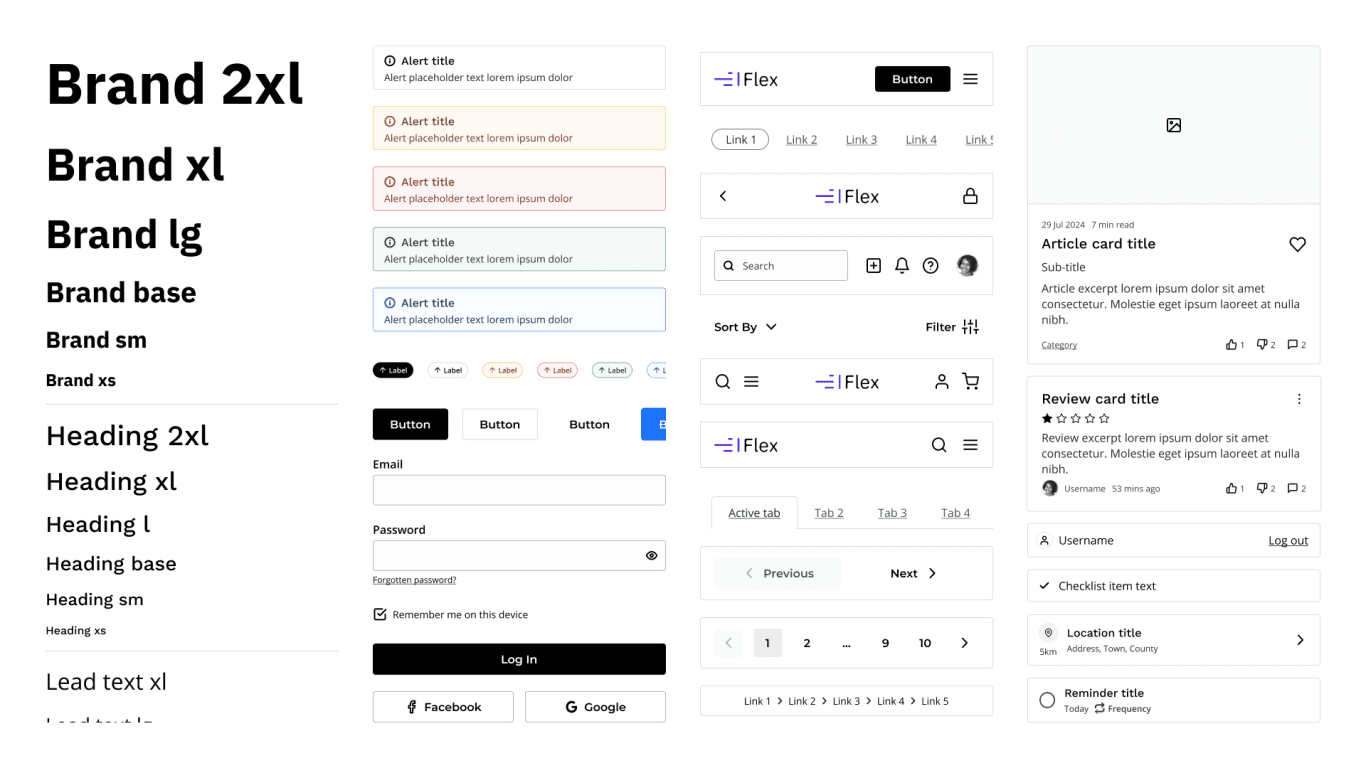
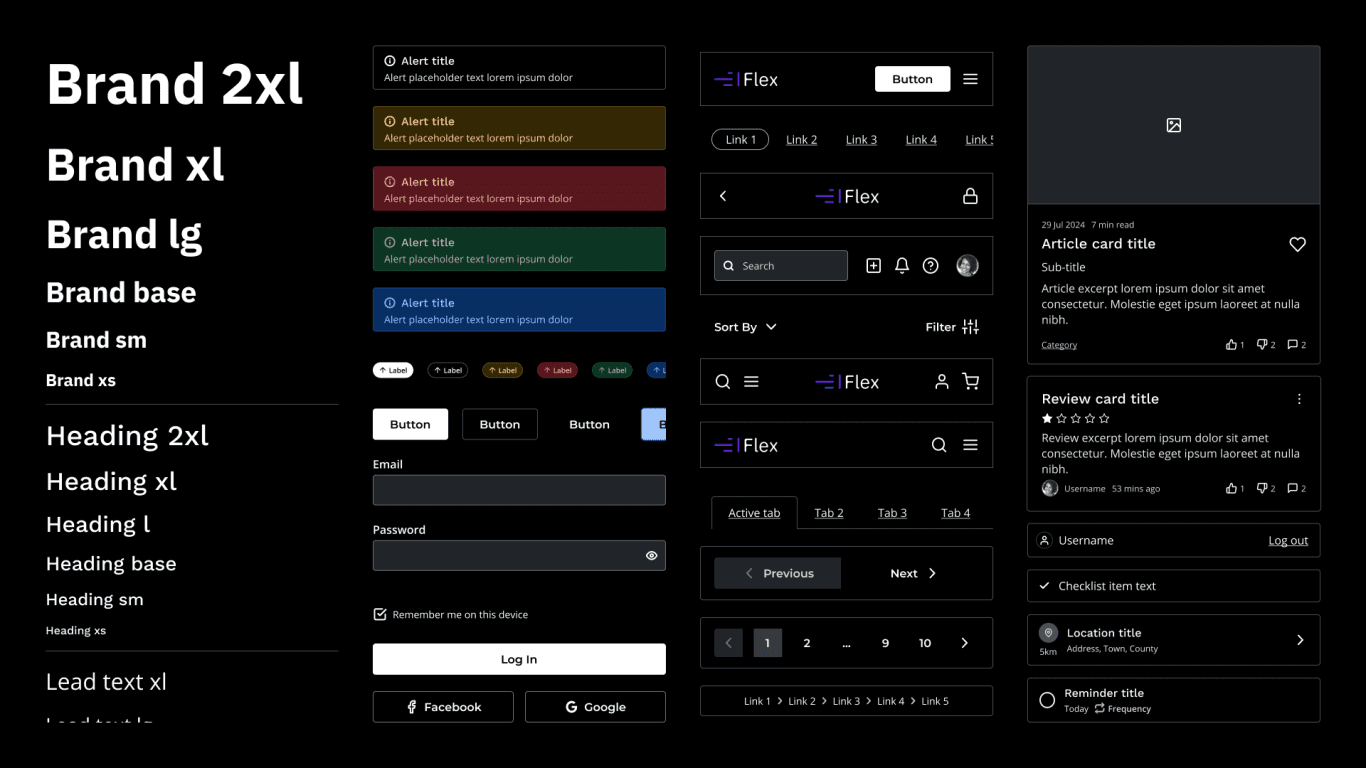
Responsive
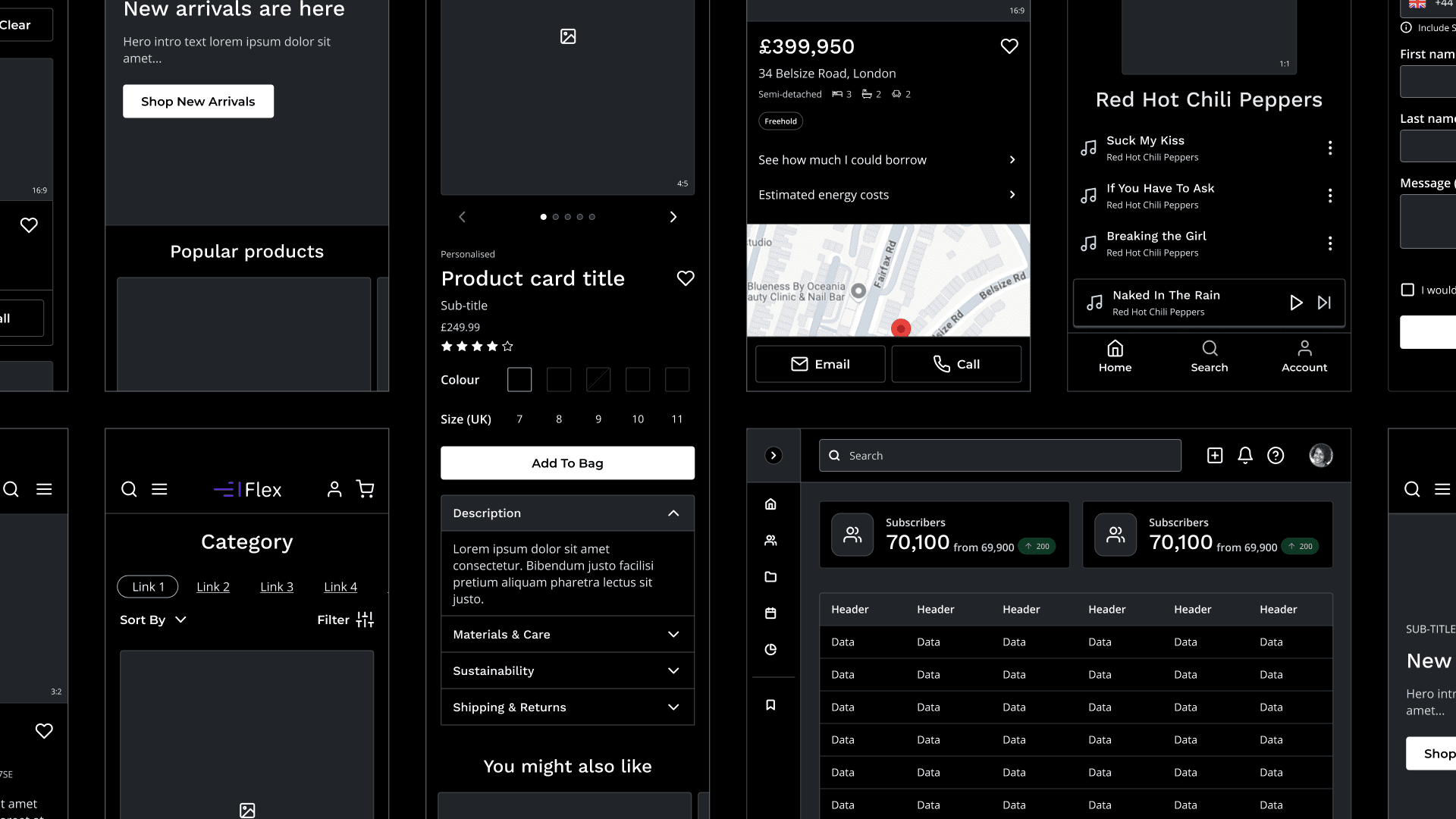
What's Included
- Accordions
- Alerts
- Avatars
- Badges
- Breadcrumbs
- Buttons
- Cards
- Carousels & Sliders
- Data
- Device Frames
- Dividers
- Documentation
- Features
- Feeds
- Footers
- Galleries
- Heroes
- Icons
- Inputs
- Lists
- Logos
- Modals
- Navigation
- Pagination
- Placeholders
- Presentation Slides
- Progress Bars
- Sidebars
- Sitemaps
- Tables
- Tabs
- Toasts
- Tooltips
- User Flows
What Designers Are Saying

Gabor Boszormenyi
This UX Kit is a game-changer for my design process! With its extensive set of components, I was able to produce high-quality wireframes for my clients in no time. The automatic breakpoints save so much effort, ensuring designs are responsive from the start, and the fully tokenised components make customisation seamless and efficient. It’s an excellent tool that truly elevates the quality and speed of my work!

Ian Weir
What sets Flex apart isn’t just the quality of the components- it’s the care and craft behind them. Every aspect feels reassuringly considered and detailed. It covers many sectors and use cases, yet it’s clearly explained with extensive documentation. It’s become the go-to resource for any project.

Rafael Kent
The Flex design system kit is a comprehensive and well-documented resource for quickly creating wireframes and user journeys. Freelancers and in-house designers alike will find it invaluable for meeting client expectations and deadlines. Its robust features and polished aesthetic make it a truly valuable tool.
Blog
Behind Flex Design System
Why Flex
Why designers choose Flex
- Every variable and component based on real client projects
- Built by hand, then audited with AI for gaps and inconsistencies
- Structured to scale
- Designed for real UX workflows
- Flexible enough for complex products
- Documentation included with every component
- Includes guidelines for Figma’s AI agent
- One-off purchase with free updates, no subscriptions or renewals
Start designing faster today
Single Licence
£29.99 *For Individual Designers
Buy Now- Single user
- Use on unlimited projects
- One-off payment
- No subscription
- Instant download
- Lifetime usage
- Free updates
Team Licence
£49.99 *For Small Teams
Buy Now- Limited to 5 users
- Use on unlimited projects
- One-off payment
- No subscription
- Instant download
- Lifetime usage
- Free updates
Unlimited Licence
£89.99 *For Large Teams
Buy Now- Unlimited users
- Use on unlimited projects
- One-off payment
- No subscription
- Instant download
- Lifetime usage
- Free updates
* Tax will be calculated at checkout based on your location.
Secure checkout powered by Lemon Squeezy and Stripe. Opens in a new window.
Still got doubts?
Can a beginner use Flex Design System?
Absolutely. Flex Design System was created for both professionals and those learning Figma and UX Design. The online documentation provides a comprehensive explanation of everything you need to get started quickly.
Can Flex DS be used for UI design?
Flex Design System was primarily created to provide UX designers with a comprehensive suite of consistently styled components for producing world-class UX documentation. However, its fully customisable and extensive design also makes it easy for UI designers to use.
Does Flex work with Figma's AI agent?
Yes. Flex includes guidelines files that you upload to your library. The agent reads them whenever it designs with Flex, which helps it choose the right variables, components and modes. As with any AI output, check the result before you use it. Guidelines need a Figma Professional plan or above. See AI guidelines for setup.
Was Flex Design System made with AI?
No. Every component, variable and template in Flex has been designed and built by hand in Figma since 2023. In 2026, Figma Agent was used during its beta to audit the library: finding gaps and inconsistencies and improving descriptions and documentation, so that designers and AI agents get more context. Flex also includes guidelines that help Figma’s AI agent use it. Every change is checked by Ben before it’s published.
Is there a free trial?
Currently, there is no free trial, partly due to the nature of digital downloads and the significant investment of hundreds of hours in creating Flex Design System.
However, you can explore the preview to get a better idea if it is right for you, prior to making a purchase.
Additionally, great care has been taken to provide extensive documentation to help you get up to speed as quickly as possible.
Is there a student discount?
We do not currently offer any student discounts. However, depending on demand, this may change in the future. Thanks for your understanding.
How does the licence work?
Each licence is a one-off purchase for a set number of users, with access to new releases through your order’s download link. For the full terms, see the licence page.
Do I get future updates?
Yes. Your order’s download link always gives you the latest version of Flex Design System, so you can download new releases at no extra cost while Flex is on sale.
We don’t send update notifications. Check the changelog to see what’s new, then download it again from your order.
Do you offer support?
Currently we do not offer technical support. Please refer to the online documentation for more information about how to use Flex Design System.